Visible motion
Video in which small vibration is magnified so it is visible — on the phone at the machine, and in Windows at 1080p
Process
Capture, then magnify motion and analyze at the machine. Export an amplified video directly from your phone to the customer. Windows is the workstation for high-quality analysis.
Record video of the asset on a standard flagship Android phone or iPhone. Completely portable — no case, no tripods required, no cables or laptop, no extra equipment. Sensor-based image stabilization supports real-world-tested, stable motion magnification video. Video can be taken handheld or on a tripod.
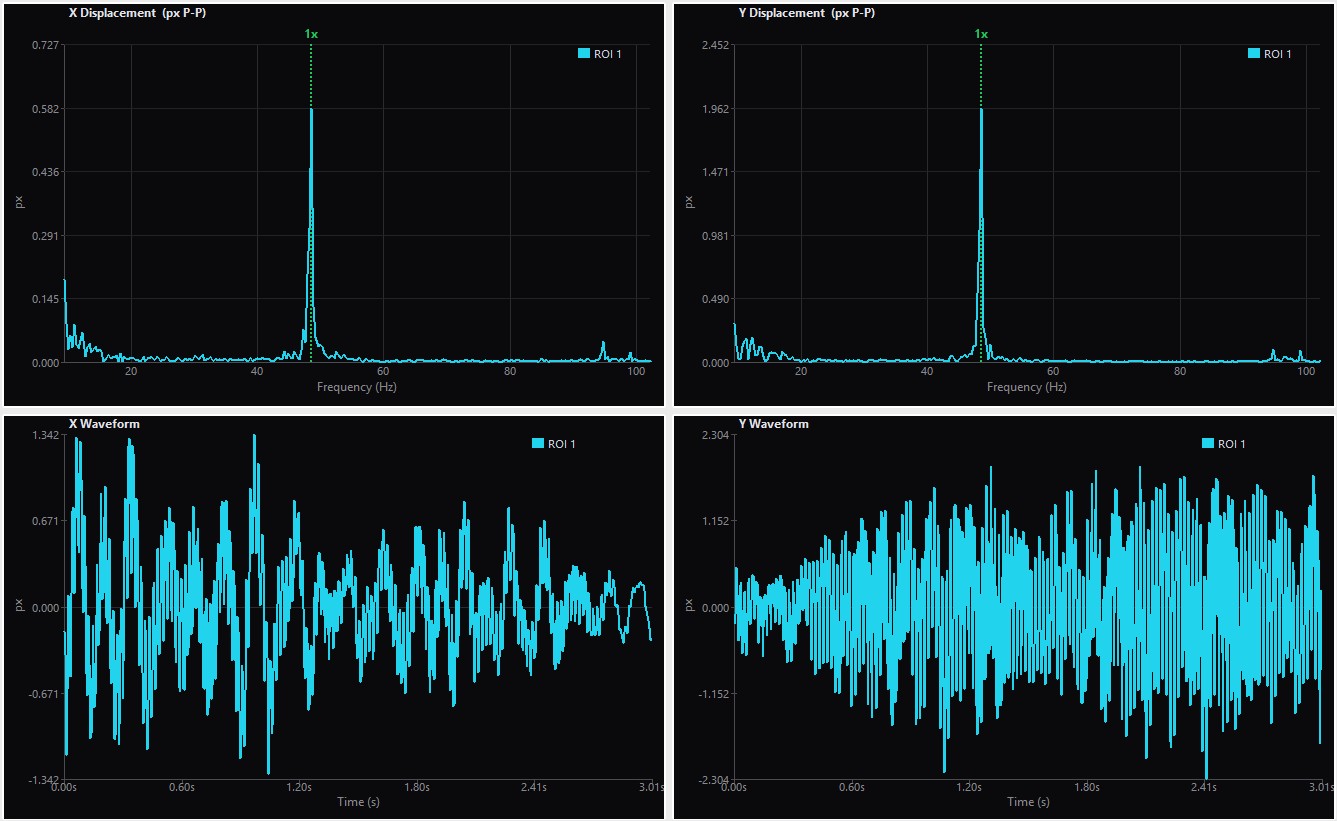
On the phone, magnify motion so small vibration is visible. Analyze spectrum and waveform and phase relation while you stand at the machine.
Export the already-amplified video from the app and send it to the customer by text or email.
Windows is the workstation: high-resolution export at 1080p, orbits, spectrums and waveforms, heat maps showing where motion is strongest, phase analysis, and bandpass filtering for frequency-specific video.
Video in which small vibration is magnified so it is visible — on the phone at the machine, and in Windows at 1080p
Spectrum and waveform on Android and iOS while standing at the machine.
Orbits, heat maps, bandpass-filtered video, phase analysis, and high-resolution export on Windows.